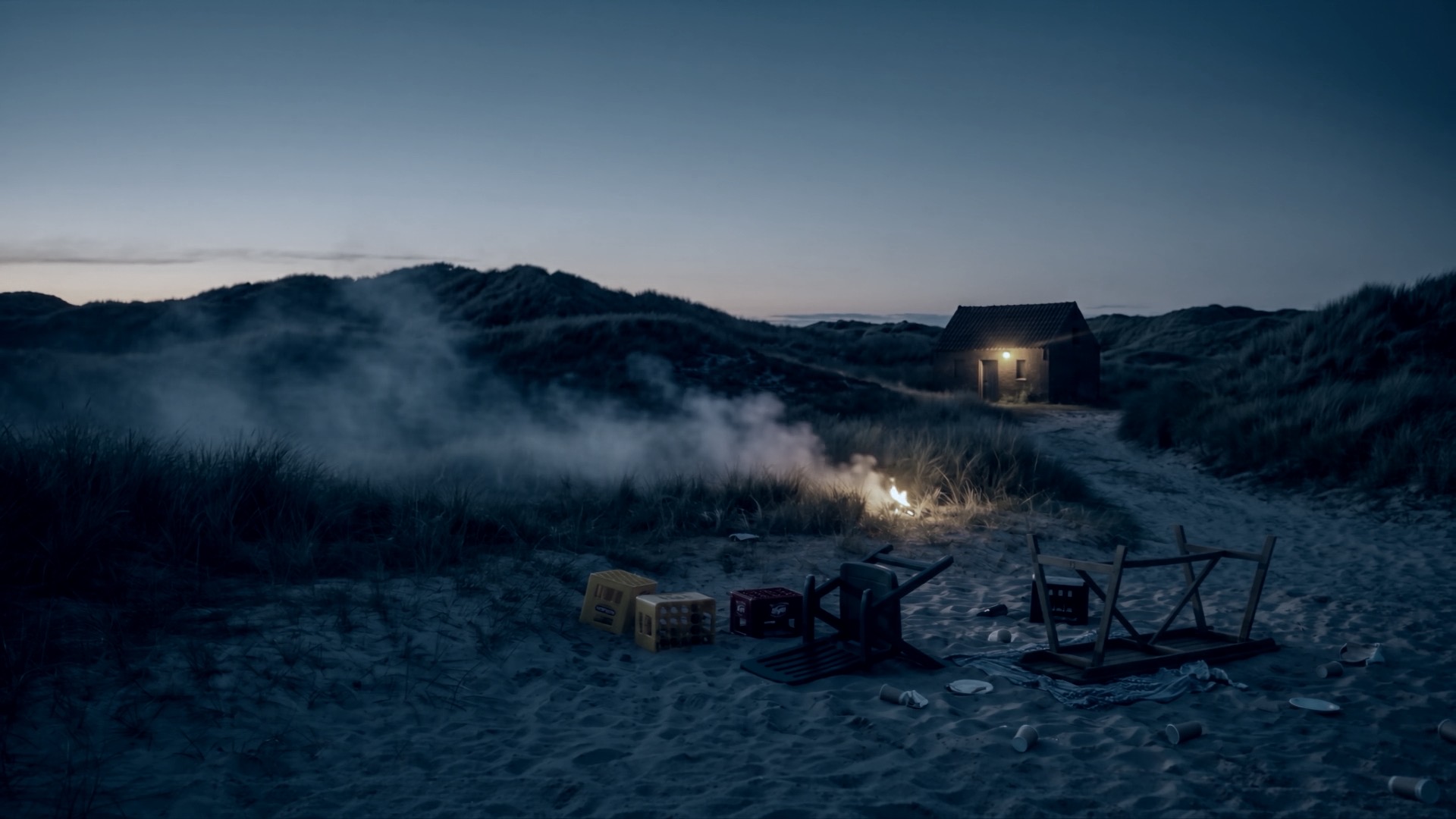
Operational training inside LIVEOP
Training
Train the response before it becomes real.
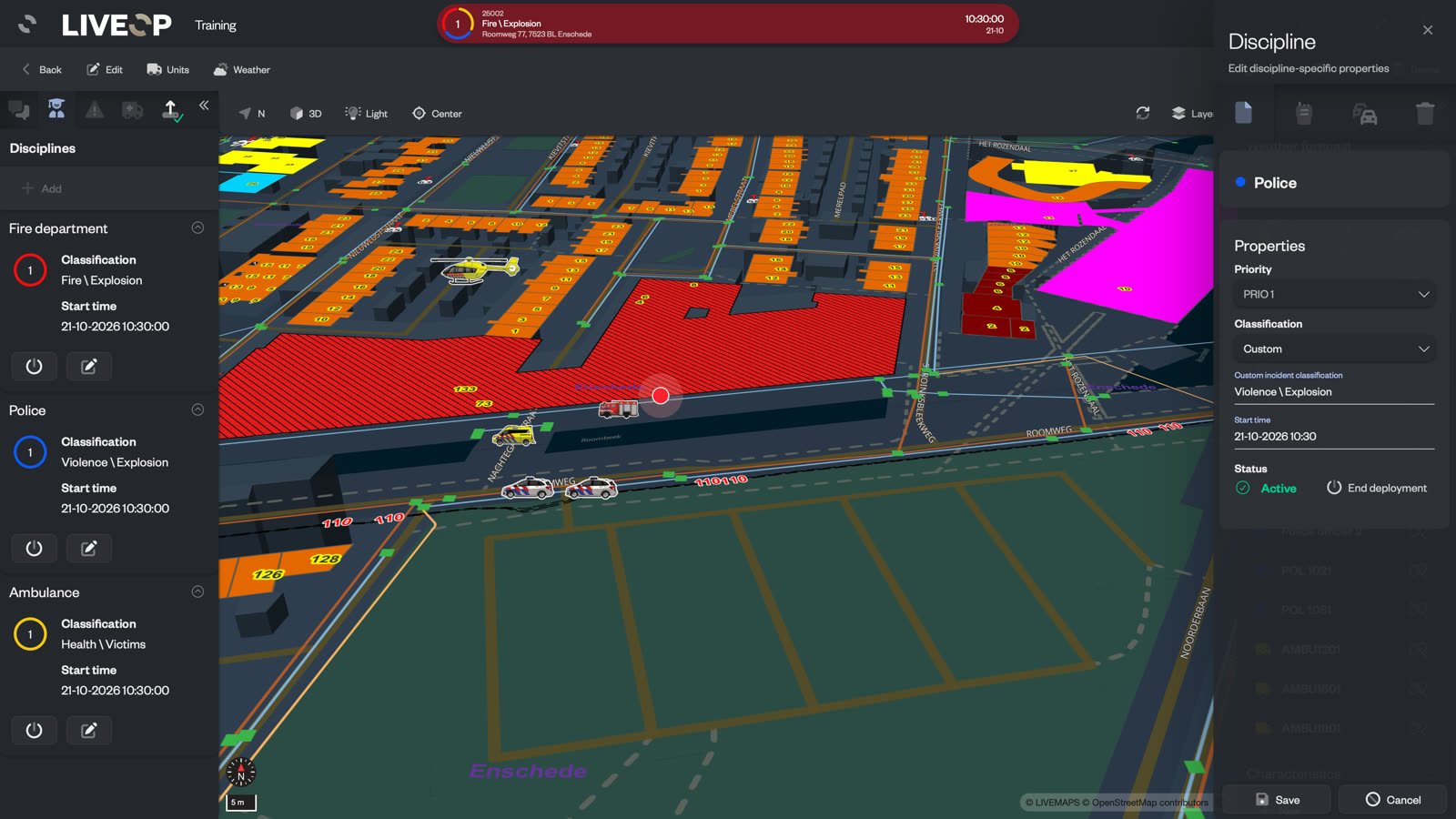
Build realistic, automated exercise incidents inside the same LIVEOP environment your teams use in operation. Run them across every participating role, repeat them often and turn every exercise into evidence for improvement.
Training that transfers
What teams practise becomes what they do under pressure.
LIVETRAINING makes realistic exercises part of the working week. Teams build confidence in familiar operational applications, while your organization can rehearse complete responses without teaching or maintaining a separate simulator.
One exercise across the operation
Every role trains through its own operational view.
One exercise incident moves through the LIVEOP platform. The control room, field commanders, responding vehicles and specialist teams each work in the application built for their role, while everyone responds to the same developing scenario.
Exercise incidentIndustrial fireLive across the training environment
AttentionHazmat adviserPrepare for deploymentContext updated
Industrial fireDockside 14Approach from the east3 units
350 mHarbour Road
08:144.2 km · 6 minPRIO
Assessment3 readings receivedEffect area updated
One developing scenario. Four operational roles.
Automated exercise scenarios
Build it once. Let the incident unfold.
Turn a complete exercise into a reusable playbook. Messages, unit deployments, changing conditions and specialist involvement arrive on the timing you set, giving teams a credible operational rhythm while the instructor remains in control.
LIVETRAININGIndustrial fire · Running
Exercise incidentBuilding fire reported00:00 Scenario running
Release each development at the moment the scenario calls for.
Pause, resume or bring the next event forward as the exercise develops.
Repeat the same playbook for another station, team or condition.
Exercise more often
Put realistic practice within reach of every team.
Approved stations and teams can create and run their own exercises within the boundaries you set. Central training leaders retain oversight, while local teams no longer have to wait for the next large exercise programme to keep their skills current.
Local ownership: let teams build and run exercises for their own area
Clear governance: control who can create scenarios, manage users and change settings
Reusable programmes: schedule repeatable exercises across locations and cohorts
Exercise programmeSeptember
MTWTFSS
Safe by design
Train in the real platform. Stay clearly separated from live operations.
Every exercise carries its training identity throughout LIVEOP. Access, on-screen indicators and communication controls preserve a clear operational boundary, so teams can train with the real platform without confusing an exercise with a live incident.
Live operationsLive incidentP1 · Structure fireOperational channels active
Protected boundary
Training environmentExercise incidentIndustrial fireTraining permissions and channels
Training remains clearly identified in every participating application.
Only authorized roles can see or manage exercise incidents.
External channels join an exercise only when deliberately enabled for training.
Learn from what actually happened
Every exercise leaves evidence for the next one.
Return to the incident timeline to see what changed, when information arrived and how the scenario progressed. Reports and activity records give instructors and participants one shared account for evaluation, learning and continuous improvement.
Complete incident timeline: review operational changes in the order they occurred
Exercise report: bring the incident record together for the after-action review
Playbook activity: compare the planned scenario with the steps that actually ran
Exercise record12:42 complete
- Exercise startedIndustrial fire · Station 4
- Additional unit deployedOperational picture updated
- Weather changedWind direction: north-east
- Hazmat team joinedSpecialist response activated
Training that becomes routine.
Teams practise the same actions, information and applications they rely on during a live incident.
More readiness from every scenario.
Reusable playbooks make realistic exercises easier to repeat across teams and locations.
Improvement grounded in evidence.
Timelines, reports and activity records give every debrief a shared operational truth.
Technical fit
Training runs on the LIVEOP environment already in use.
LIVETRAINING uses the same incident model, real-time platform and role-based access as the wider LIVEOP suite, allowing exercise scenarios to reach the applications and teams included in your deployment.
- Exercise environment
- Training incidents run through LIVEOP and remain clearly identified by their training source.
- Participating applications
- Exercises can reach LIVEOP Response, LIVECOMMAND, LIVENAV and LIVERECON where those products are deployed.
- Scenario automation
- Timed playbooks support messages, units, disciplines, incident changes, weather, notifications and connected actions.
- Access control
- Granular permissions govern visibility, scenario authorship, user management and platform settings.
- Records and reporting
- Incident timelines, activity logs and reports remain attached to the exercise record.
- Security and compliance
- Security by design, regional hosting and controls aligned with ISO/IEC 27001 and ISO/IEC 27017 support organizations in meeting their NIS2 obligations.
FAQ
What training, operational and technology teams want to know.
Is LIVETRAINING a separate simulator?
LIVETRAINING creates exercise incidents inside the LIVEOP platform. Teams train with the same incident structure, maps and applications they use during operations, while the training identity keeps every exercise clearly recognizable.
Does an instructor have to trigger every event?
No. A playbook can release its ordered events automatically on the timing you set. The instructor can pause, resume, stop or bring the next event forward whenever the exercise requires it.
Can individual stations or teams run their own exercises?
Yes. Granular roles can let a station or team create and manage exercises for its own area, while central training leaders retain wider governance and settings.
How are exercises separated from live incidents?
Every exercise carries a training source through the platform. Visibility is permission controlled, applications identify training on screen and external communication channels participate only when deliberately configured for training.
Can one exercise involve several disciplines and applications?
Yes. One exercise incident can develop across multiple disciplines and reach the LIVEOP applications included in the deployment, giving each participant the operational view appropriate to their role.
What is available for evaluation and debrief?
The incident timeline records operational changes, activity logs show the playbook steps that ran and reports bring the exercise record together for review.
See a complete exercise unfold inside LIVEOP.
Follow one scenario from its first report to the final debrief, including the automated playbook, every participating role and the boundary that keeps training safely separated.