Position and route information reaches connected traffic-light systems as the vehicle approaches.
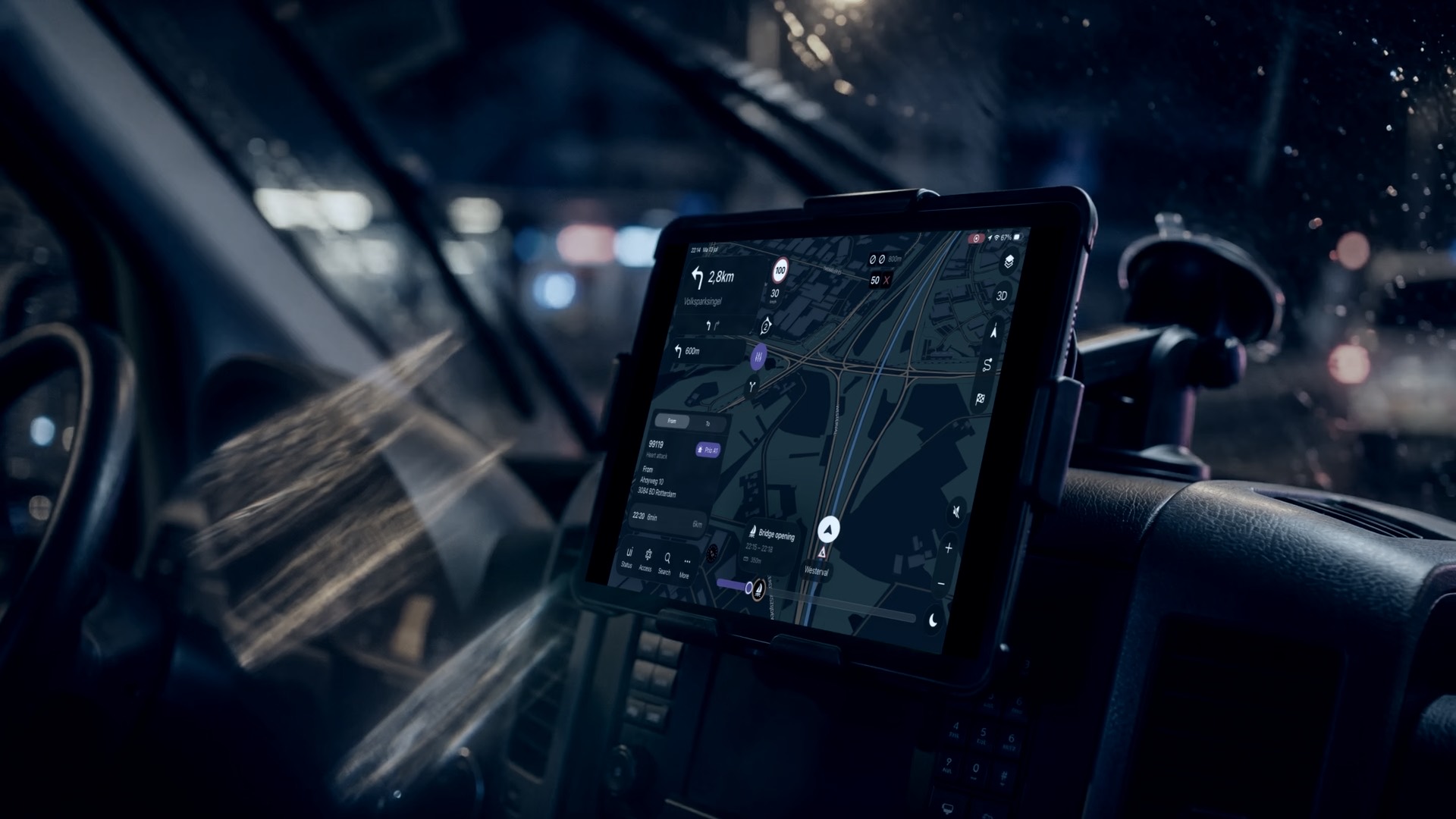
Route navigation for emergency services
Navigation
Minimize response times. Make every journey safer.
LIVENAV is emergency route navigation that uses the responding vehicle, current road conditions and live incident context to guide every journey from dispatch to arrival.
Built for emergency response
Navigation is no longer separate from the operation.
Dispatch, live road intelligence and incident context continue shaping the journey after the vehicle starts moving. Crews stay connected to the operation all the way to arrival.
Emergency routing
The right vehicle. The right route. The right approach.
LIVENAV uses the responding vehicle, its priority and the operational destination to calculate each route. Crews get a journey that fits the response from departure to arrival.
Built around the vehicle: account for the responding vehicle’s profile when selecting the route
Priority-aware routing: calculate appropriately for both urgent and non-urgent journeys
Built around the incident: navigate to the access point or approach the operation actually needs
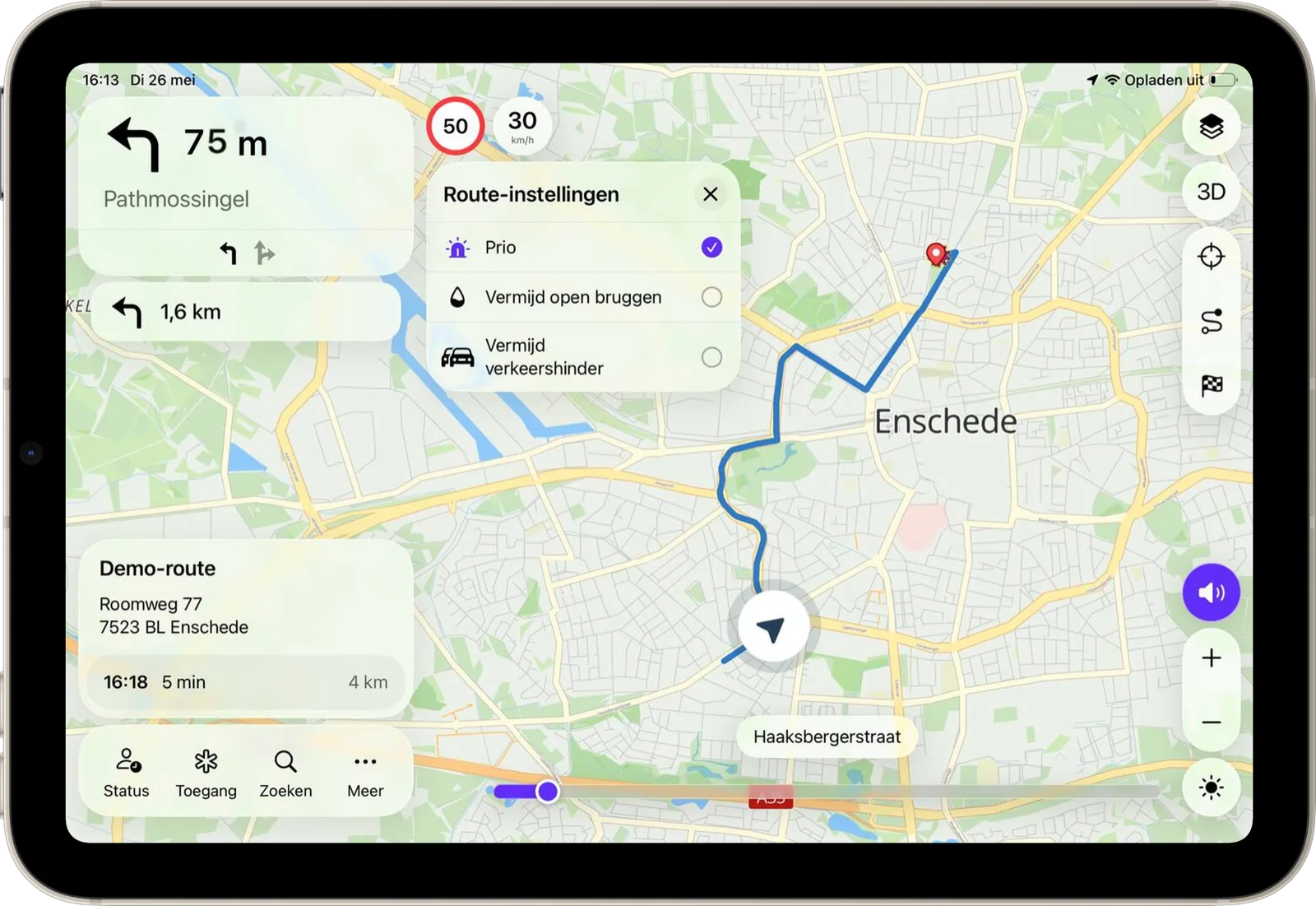
See LIVENAV in action
Emergency navigation, seen in motion.
See how LIVENAV brings route intelligence, live conditions and operational context into the vehicle.
Live road intelligence
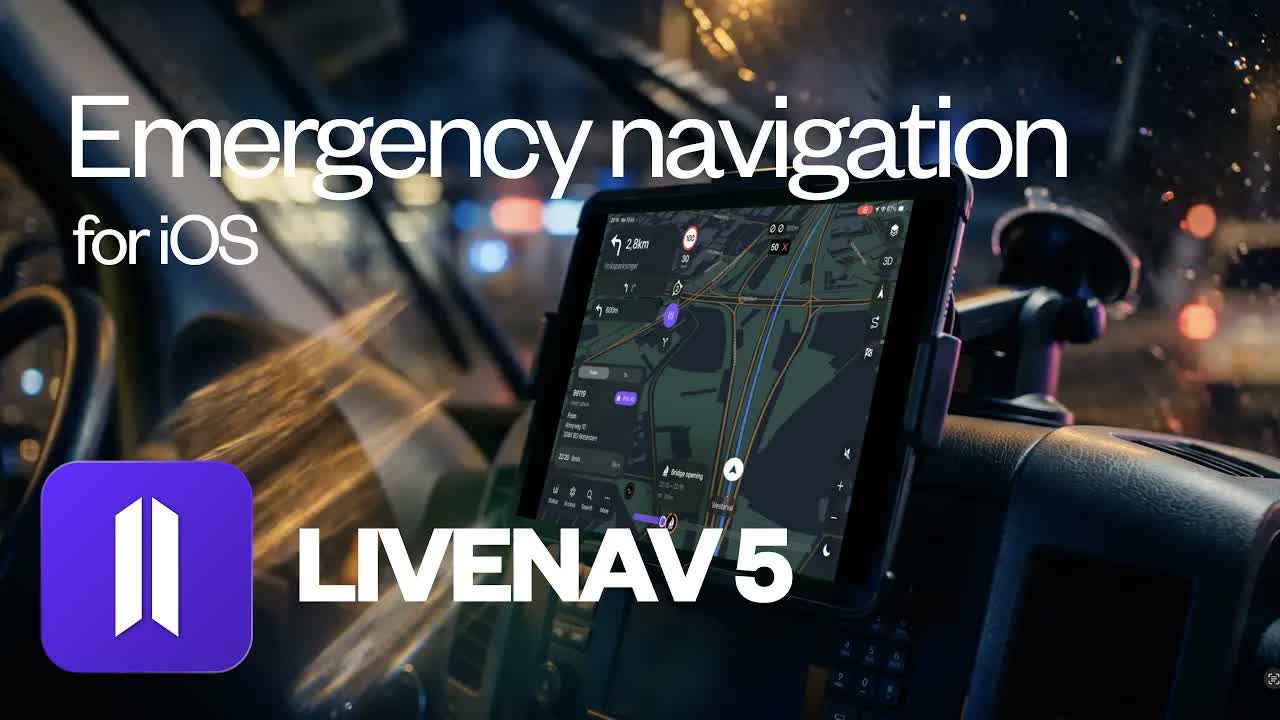
The road as it is now.
Base maps are updated daily. Roadworks, routing preferences and incident context can update immediately, while real-time matrix signs reveal changing lanes and restrictions ahead. Crews can look further into the journey and prepare for what is coming.
Updated every day: begin with current international map data across the operating area
Updated as it happens: receive roadworks, routing preferences and incident context as soon as they change
Look further ahead: see matrix signs, bridge openings, closures and developing conditions beyond the next turn
Connected response
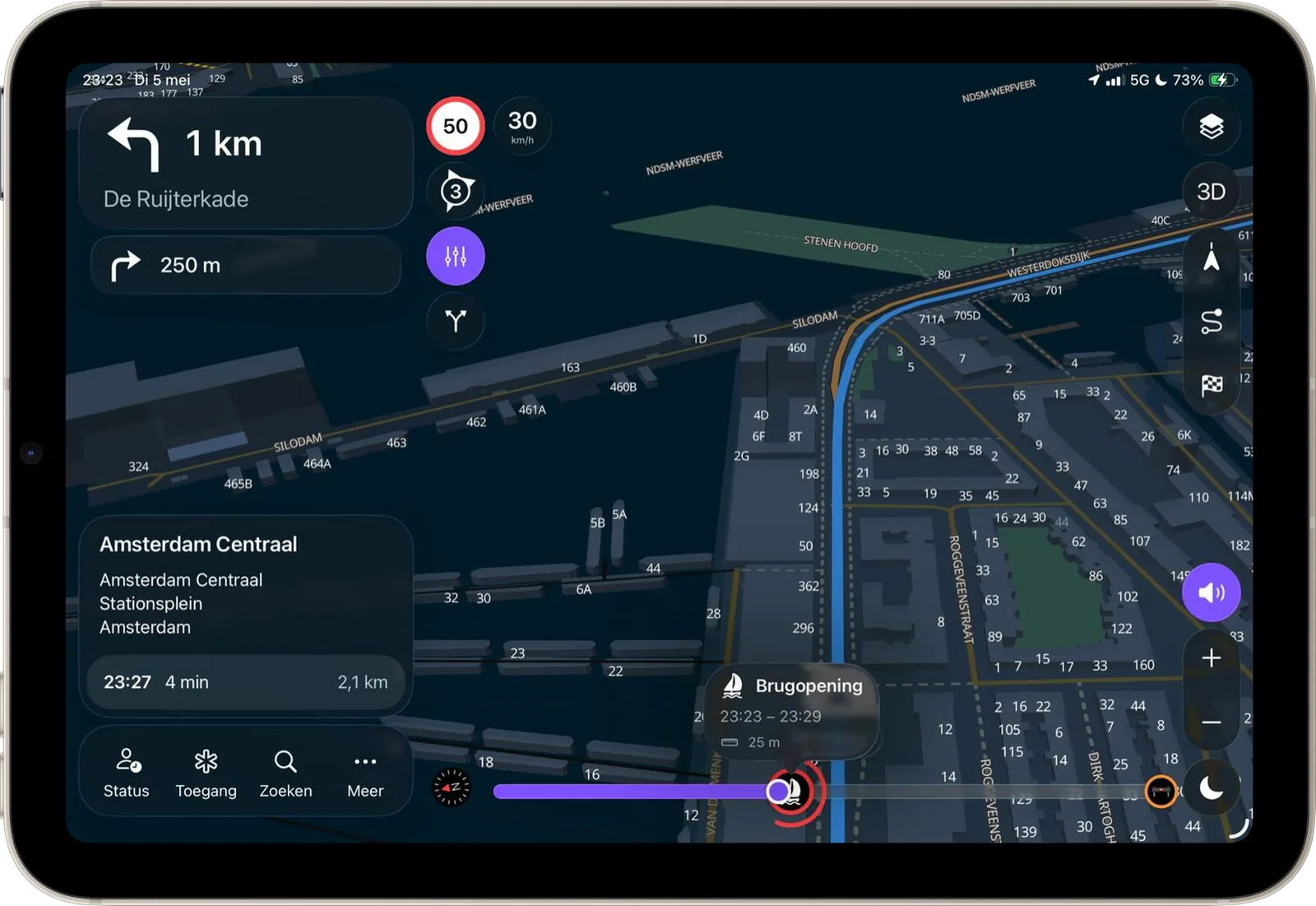
Send the exact destination straight to the responding vehicle.
LIVECOMMAND and LIVEOP Response can share operational destinations directly with LIVENAV. Routes update in the vehicle, giving crews the right entrance, staging area or rendezvous point with less radio traffic.
Operational control
Your map. Your routes. Your fleet.
LIVENAV gives your organization direct control over the information and decisions behind every journey. Manage the road map, routing rules, destinations and devices from one environment, while integrated feedback and route analysis keep improving the experience.
Map and roadworks
Submit corrections to the road map for processing within 24 hours. Import, edit and activate roadworks immediately.
Routes and destinations
Set start and end positions, routing preferences, specific routes, favourites and operational points of interest.
Fleet-wide management
Manage every device, vehicle assignment and routing profile centrally, with detailed logging and remote support.
Continuous improvement
Connect direct user feedback with route-analysis tools, make targeted improvements and report the outcome back to users.
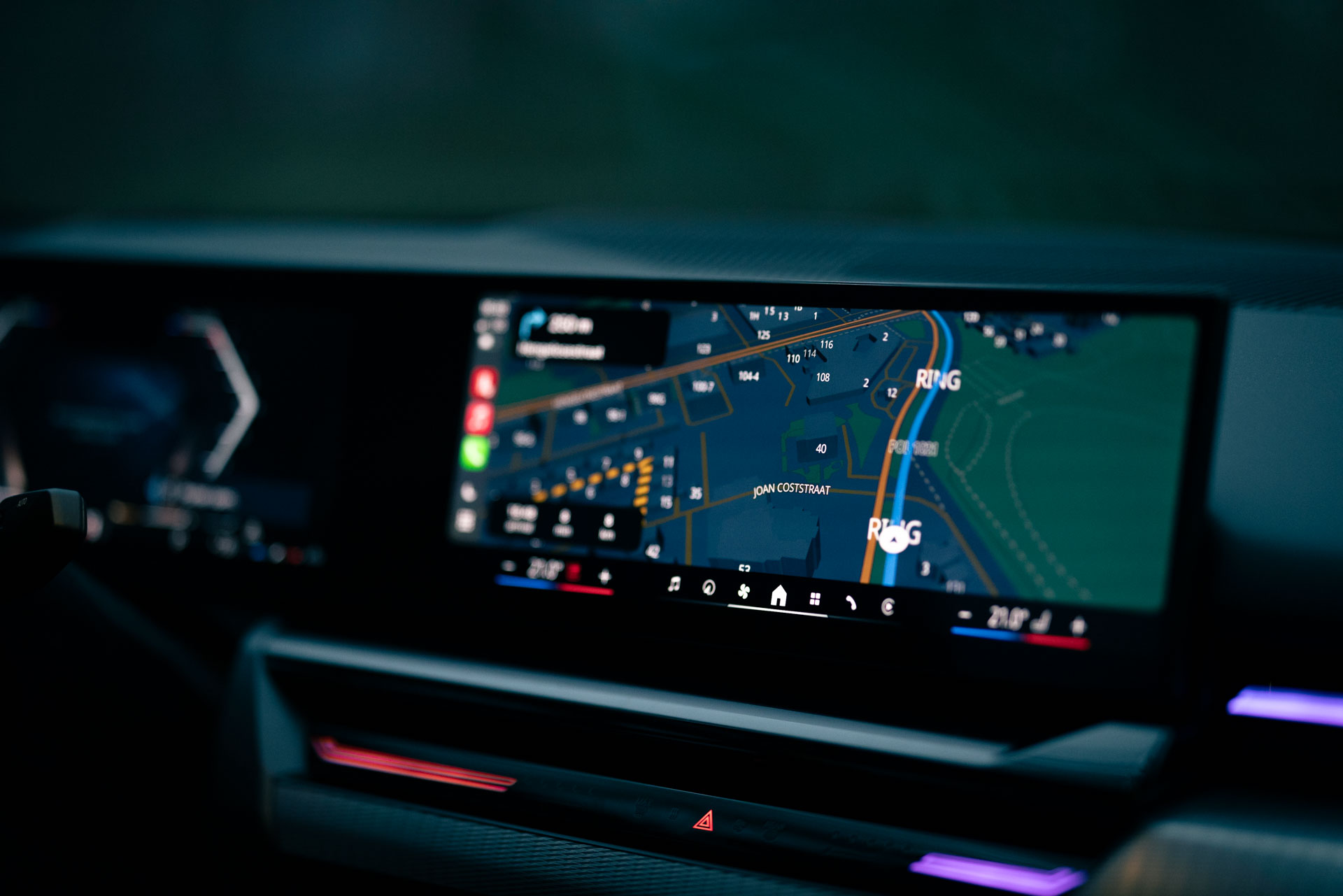
Native Apple CarPlay
Emergency navigation on the screen already in the vehicle.
LIVENAV brings operational routes, incident destinations and live journey updates to the existing CarPlay display. Crews navigate on a larger in-vehicle screen, while fleets can deploy without installing a separate navigation computer.
Native CarPlay experience: a dedicated in-vehicle interface built for emergency navigation
Wired or wireless: connect through whichever CarPlay setup the vehicle supports
Fleet-ready deployment: use compatible Apple devices and vehicle displays already in service
Native experience
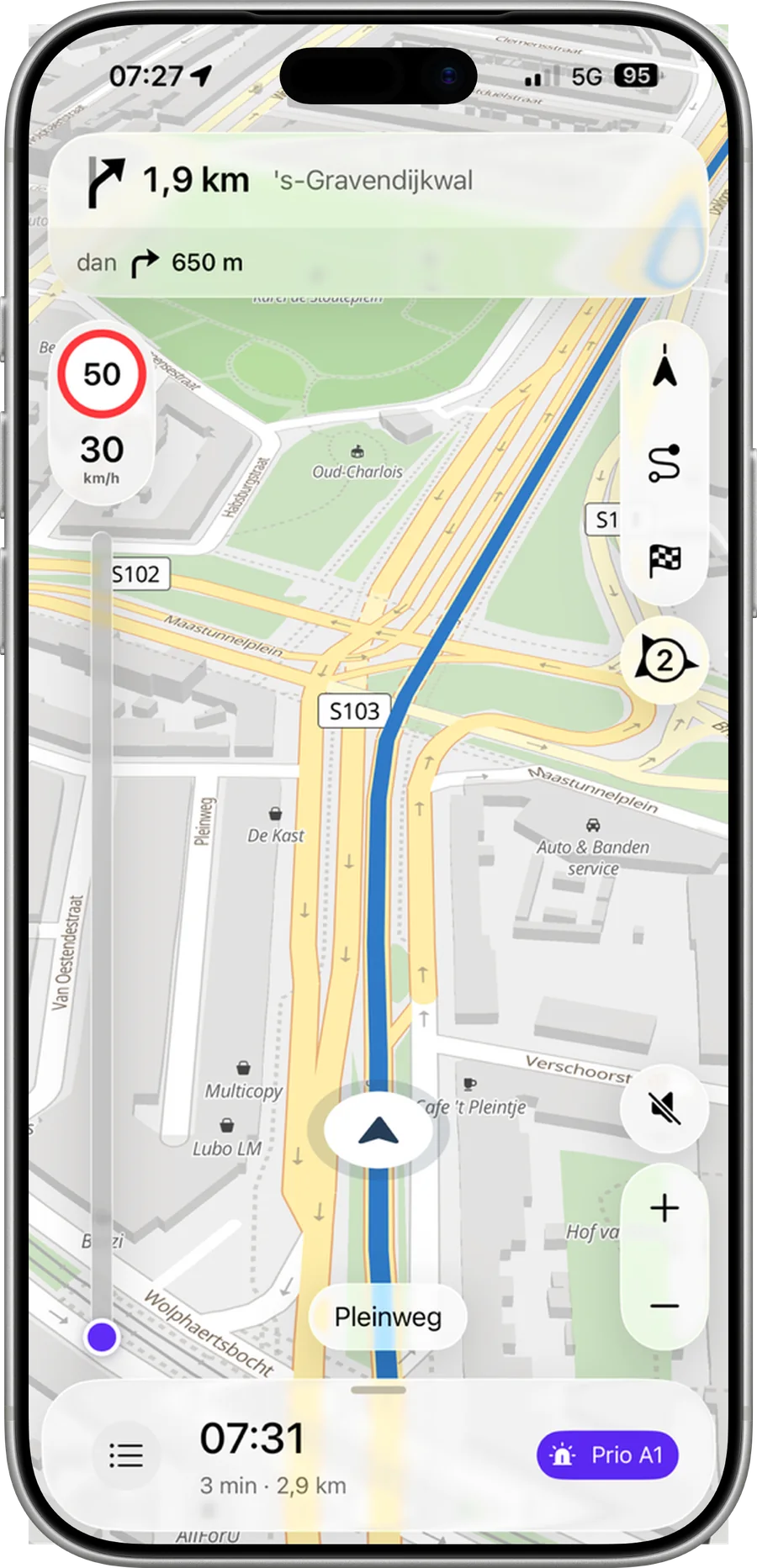
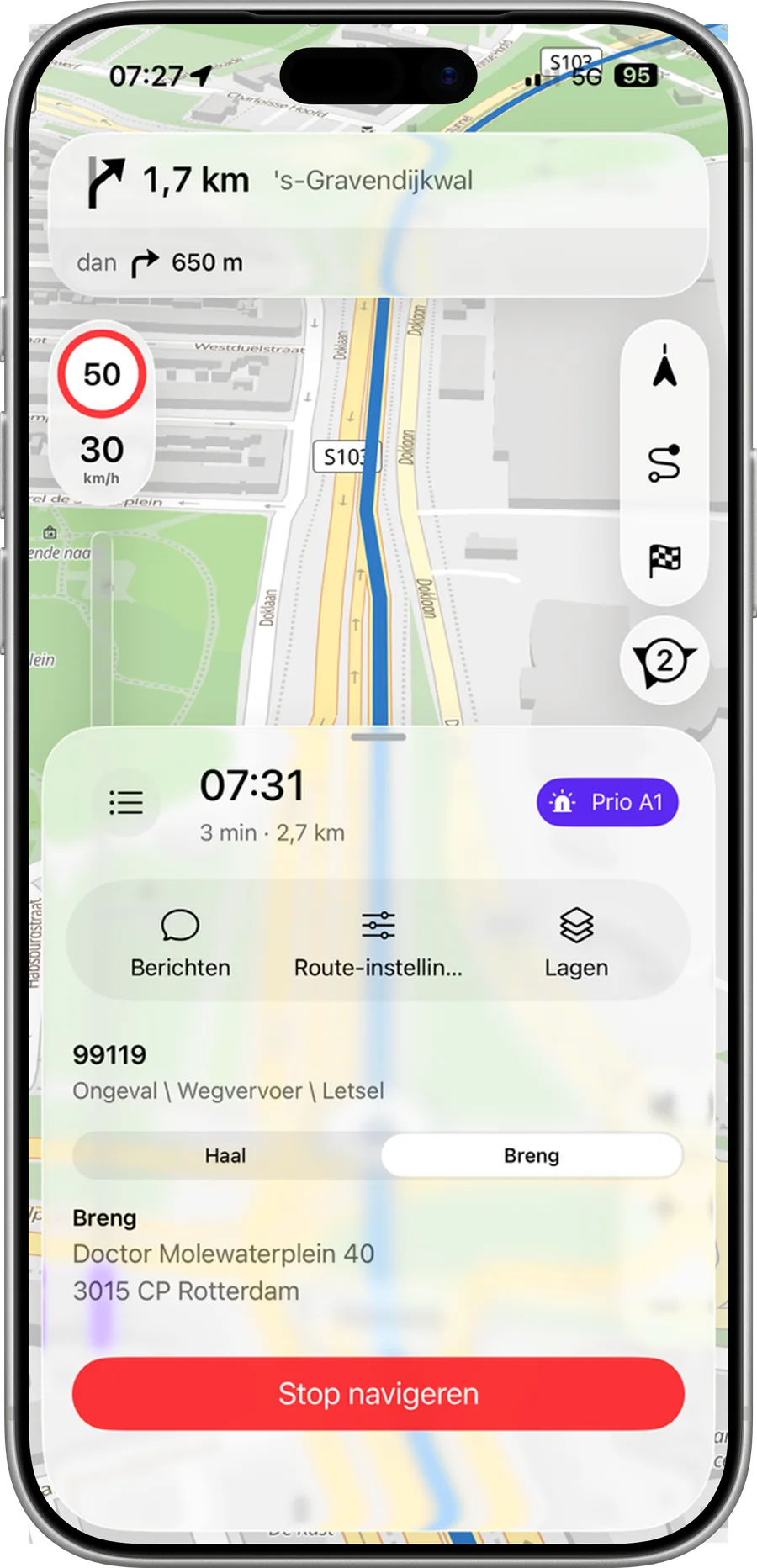
Clear at speed. Instinctive from the first use.
LIVENAV keeps the route, the next instruction and changing conditions immediately readable. Its native iPhone and iPad experience feels familiar from the start, so teams can use it confidently with minimal training.
Everything at a glance: large instructions, clear priorities and an uncluttered view of the route
Ready for every environment: light and dark modes preserve clarity throughout the day and night
Minimal training required: familiar interactions help users become effective almost immediately

Offline continuity
Navigate beyond network coverage.
LIVENAV keeps the map and complete routing engine on the device. Crews can calculate, recalculate and follow routes without a connection, using the latest synchronized road and operational information until live updates return.
Calculate offline: start and recalculate complete routes without a data connection
Stay operational: keep maps, guidance and the latest synchronized information available on the device
Reconnect automatically: receive new operational updates as soon as coverage returns
Operational proof
Confidence that holds up in operation.
100%of route calculation available offline.
3/3independent comparative user tests won.
10,000+devices in daily use across LIVEOP deployments.
FAQ
What crews, fleet teams and technology teams want to know.
Will LIVENAV work with our existing CAD or control-room system?
Yes. LIVENAV can connect to CAD and control-room systems that provide a suitable interface, such as an API or database connection. Destinations and relevant incident data can flow directly into navigation.
Does LIVENAV work without a data connection?
Yes. International map data and the complete routing engine remain available on the device. Crews can calculate, recalculate and follow routes offline using the latest synchronized road and operational information.
What makes the routing specific to emergency response?
LIVENAV accounts for the responding vehicle, response priority, current road conditions and incident context. It can guide crews to the entrance, staging area or operational approach the response requires.
Can we manage and test LIVENAV centrally?
Yes. Administrators can manage vehicles, devices and routing profiles from one portal, simulate routes before deployment, inspect detailed logs and support users remotely.
Can LIVENAV use our own map layers and points of interest?
Yes. Configured operational map layers can be displayed and searched in LIVENAV. Points of interest from those layers can be selected directly as navigation destinations.
Do we need to install a separate navigation computer?
LIVENAV runs natively on supported iPhone and iPad devices and can appear on an existing vehicle display through wired or wireless Apple CarPlay. Dedicated devices can also be managed through MDM and kiosk mode.
How are security and compliance addressed?
LIVENAV follows security-by-design principles, supports regional hosting and uses controls aligned with ISO/IEC 27001 and ISO/IEC 27017. These measures support organizations in meeting their NIS2 obligations.
See where LIVENAV saves critical time.
Follow one journey from dispatch to arrival as the vehicle, road conditions and incident context shape the route.